.png)


What if your busiest delivery night was also your least profitable? If you’re still leaning on marketplaces, you’re paying for volume with margin, data, and repeat business—exactly why choosing the best restaurant online ordering system matters more in 2026 than it did even a year ago.
Done right, first-party ordering becomes a growth flywheel: more repeat orders, better guest data you actually own, higher average order value through smart upsells, and fewer surprises for your team at the line. Done wrong, it’s just another tablet and another headache.
This guide is platform-agnostic and operator-first. You’ll get a practical shortlist criteria, a feature checklist by restaurant type, integration “make-or-break” tests (POS, delivery, loyalty, SMS), and a real total cost breakdown versus marketplace fees—so you can compare true outcomes, not marketing claims. Next, let’s define what “best-fit” should mean for your operation in 2026.
What the Best Restaurant Online Ordering System Means in 2026 (Not Just “Online Checkout”)
In 2026, “best” can’t mean “has a nice-looking checkout page.” It has to mean you control the relationship, the experience holds up under pressure, and the system improves results week after week.
That’s the real definition of the best restaurant online ordering system: it protects margins, reduces operational drag, and makes repeat ordering easier than third-party apps—without creating a fragile stack your team can’t maintain.
To evaluate platforms on outcomes (not demos), get clear on three ordering models and what you actually own in each.
First-party ordering means orders come through your branded website/app (or a direct-order link), you control the guest experience, and you keep the customer data. You set pricing rules, choose upsells, and decide how (and whether) to market back via email/SMS.
Third-party marketplaces (delivery apps) control discovery, checkout, and the guest relationship. You may get incremental demand, but you don’t own the customer file, the brand experience is standardized, and you’re boxed into marketplace rules on pricing, promotions, and visibility.
Hybrid ordering is where many operators land: keep marketplaces for demand capture while building first-party ordering to protect margin and grow repeat. Hybrid works only if first-party doesn’t become “the second menu” staff has to babysit.
Use this control reality as a quick litmus test:
Once you’re clear on ownership, understand the 2026 baseline expectations. These aren’t “premium features.” They’re table stakes—because guests won’t tolerate friction, and your kitchen won’t tolerate chaos.
Fast mobile UX is non-negotiable. Ordering traffic is mobile-heavy, and every extra tap increases drop-off. Your baseline should include quick browsing, clear modifiers, saved addresses/payment, and an “order again” path that works in seconds.
Order throttling (and pacing controls) is also baseline. If your dining room gets slammed at 7:00 PM, the system must manage promise times, cap volume, or pause fulfillment modes. Without throttling, online orders quietly wreck dine-in speed and staff morale.
Menu management must be operator-friendly: daypart menus, item availability, modifier logic, tax rules, and alcohol compliance (where relevant). You shouldn’t need a developer to 86 an item, swap a side, or turn off delivery for 45 minutes.
Payments should be modern and flexible: Apple Pay/Google Pay, stored cards, tip prompts by channel, refunds without a support ticket, and clean reconciliation. In 2026, “we take cards” isn’t a feature. “We close out without surprises” is.
Dispatch options matter because delivery isn’t one-size-fits-all. The best platforms let you choose: in-house drivers, third-party delivery service integrations, marketplace-delivered orders, or pickup-only. You should be able to set rules like “use in-house drivers within 3 miles, third-party beyond that,” without manual workarounds.
Analytics must answer operator questions, not just report vanity numbers. You want funnel conversion (menu views → cart → checkout), item and promo performance, repeat ordering, and operational exceptions (late, refunded, canceled). If analytics can’t tie to action—like which upsell increases average ticket—it’s not helping you run the business.
Those baseline capabilities matter because they unlock what you really care about: operator outcome metrics. A demo can look impressive and still fail to move these numbers.
A practical example: if your flow forces guests to enter card details every time, doesn’t support Apple Pay, and lacks one-tap reorder, repeat rate drops even if the food is great. On ops, if tickets don’t match POS modifiers, you “save” on software and spend more on remakes, comps, and angry customers.
Now for the concept that separates “pretty ordering” from “profitable ordering” in 2026: stack fit.
Stack fit means your online ordering system works as a single operating system across core tools: POS + loyalty + email/SMS + delivery + catering—without duct-tape workflows. When stack fit is poor, you get double entry, mismatched menus, split reporting, and a staff that doesn’t trust the numbers.
What does good stack fit look like in real life?
Feature Checklist by Restaurant Type: QSR, Full-Service, Multi-Location, and Catering
Good stack fit shows up in the middle of a Friday rush: tickets stay readable, prep doesn’t spike into chaos, and guests get what they ordered without you babysitting the tablet. Stop comparing platforms by generic “feature lists” and match capabilities to your restaurant model.
Use the checklists below to build a requirements list you can hand to vendors. If a capability doesn’t change speed, accuracy, labor, or repeat rate for your concept, it’s a nice-to-have. If it prevents mistakes, protects throughput, or increases check size, it belongs on your shortlist for the best restaurant online ordering system for your operation.
QSR / Fast Casual: speed, upsells, and controlled chaos
In QSR, online ordering must sell more per ticket and protect the make line. Add friction and guests bounce. Flood the kitchen and you drown.
Real-world example: If your lunch rush runs 12:00–1:30 with 2 grill stations and 1 expo, throttling is the difference between steady flow and 25 tickets dropping in 5 minutes. Time-slot pacing and item-level limits protect speed of service—and speed keeps QSR guests coming back.
Full-Service: modifiers, coursing, and guest recovery
Full-service online ordering is less about raw speed and more about precision and brand experience. Guests expect their food the way they like it, and they expect you to make it right when something goes wrong.
Practical tip: Ask vendors to demo a complex order: a steak with temp, two substitutions, an allergy note, and a split side. If checkout gets confusing or the ticket prints poorly, it won’t survive service.
Multi-Location / Franchises: governance, permissions, and brand consistency
Multi-location operations don’t fail because online ordering can’t take orders. They fail because menus drift, promos get misapplied, reporting doesn’t roll up, and each store starts doing its own thing.
Operator reality: If you run 10+ stores, a pretty ordering page isn’t the win. The win is preventing a location from selling a discontinued item or running a promo you turned off chain-wide. Governance isn’t glamorous, but it protects margin and guest trust.
Catering / Large Orders: lead times, deposits, and production clarity
Catering breaks standard online ordering because it’s not a simple checkout. It’s scheduling and production with higher stakes, higher ticket sizes, and more ways to miscommunicate.
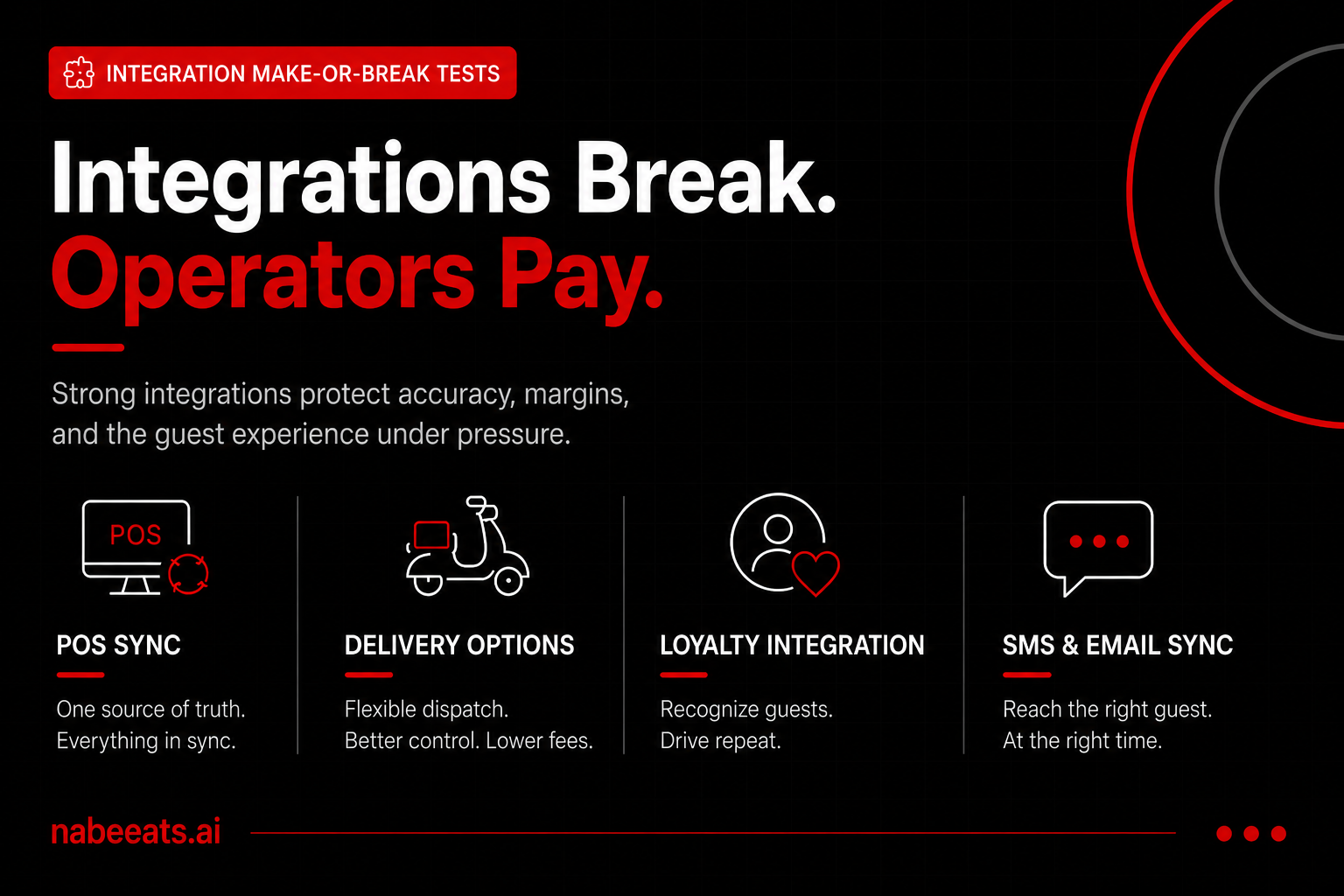
POS Sync, Delivery, Loyalty, and SMS: The Integration “Make-or-Break” Tests
Catering only works when details are right, every time. Most “online ordering” failures aren’t caused by checkout — they’re caused by weak integrations that collapse in real operations: menu mismatches, duplicate tablets, loyalty that doesn’t recognize regulars, and reports you can’t trust.
If you’re choosing the best restaurant online ordering system in 2026, treat integrations like stress tests, not feature bullets. Below are verification steps that separate “it integrates” from “it runs your Friday night without drama.”
Test 1: POS integration depth (basic vs deep) — prove what actually syncs
Most vendors say “POS integrated.” That’s meaningless until you confirm which objects sync, how often, and what happens when something changes 10 minutes before the rush.
Basic integration usually means orders push to the POS and sales report back. Helpful, but it often breaks with modifiers, taxes, discounts, item availability, or multi-tender payments.
Deep integration means the POS is the single source of truth, and the ordering system mirrors it — including edge cases operators face daily.
Verification step you can do today: Ask each vendor for a written “POS sync matrix” that lists every object above and whether it’s read-only, write-only, or bi-directional — plus sync frequency and failure behavior. If they can’t provide it, you’re buying uncertainty.
Test 2: Reliability under pressure — offline behavior, failover, and accuracy
The busiest 90 minutes of your week are when integrations get flaky: internet hiccups, POS slowdown, printer jams, API rate limits, and driver ETAs stacking up. The best restaurant online ordering system isn’t the prettiest UI — it’s the one with a plan when something breaks.
Practical scenario to run: During a pilot, intentionally toggle your POS into offline mode for 10 minutes (with a manager present). Watch ordering availability, customer messaging, and ticket flow. If you can’t simulate failure, you can’t trust the system.
Test 3: Delivery options — routing, dispatch, aggregation, and what you really pay
Delivery integration isn’t one decision; it’s three operating models. Each changes fees, customer ownership, and service quality — which affects repeat rate and reviews.
Make-or-break question: Who owns the customer relationship when something goes wrong? If a guest calls about a missing item, you need order details, driver status, and a clean refund workflow. If the answer is “they have to contact the marketplace,” your brand takes the hit.
The 2026 Shortlist: How to Compare the Best Restaurant Online Ordering System Options (Scorecard + Red Flags)
Once you’ve picked your delivery operating model, the next mistake is shopping by “feature lists” alone. In 2026, the best restaurant online ordering system is the one that converts more guests and creates fewer exceptions for your team — without hiding costs or locking up your customer data.
The fastest way to get there is a weighted scorecard. It keeps your evaluation objective, makes demos comparable, and gives you leverage in procurement because you can point to clear gaps instead of “we just didn’t like it.”
Build a weighted scorecard for the best restaurant online ordering system (8 categories)
Use a 100-point scorecard to compare vendors on what drives profit and operational stability. Weight revenue and POS integrity first, then the nice-to-haves.
How to score: rate each category 1–5, multiply by the weight, and total it. A vendor can’t be “the best restaurant online ordering system” for your operation if it wins on design but loses on POS integrity; one menu mismatch on a Friday night can erase margins gained from better conversion.
Run a real demo (not a sales demo): bring your menu and test edge cases
Most demos are theater: a clean sample menu, perfect connectivity, and no complicated modifiers. You need a demo that looks like your Tuesday at 7:10 pm when the kitchen is slammed and a guest wants half-and-half toppings.
Before the demo, send the vendor a stripped export of your real menu (or a representative subset): top 30 items, your most complex modifier groups, your discount rules, and at least two dayparts. Tell them you’ll score them on how accurately they set it up and how fast your manager can maintain it.
In the demo, test these scenarios live:
Make it measurable. Ask the vendor to time two tasks with your GM watching: (1) add a new modifier and price it correctly across two locations; (2) 86 an ingredient and confirm it’s unavailable in the guest experience within 60 seconds. If they can’t do it in front of you, it will be worse when you’re busy.
Red flags that disqualify “best restaurant online ordering system” contenders
Some issues aren’t tradeoffs. They’re margin leaks, labor drains, and guest-experience risks. If you see these, push hard—or walk.
Rule: any vendor can claim they’re the best restaurant online ordering system. The ones worth your time prove it with transparent fees, documented integrations, and a demo that survives edge cases.
What “best” looks like by operator type (quick fit examples)
“Best” is contextual. Your scorecard weights might stay the same, but what earns a 5/5 changes by restaurant model.
You win when ordering is fast and accurate, and guests reorder without thinking. Prioritize mobile UX, one-tap reorder, clean modifier flow, and order-ahead timing accuracy. A great fit here is a system that makes it easy to run two weekly campaigns (e.g., “Tuesday meal deal” and “Friday family pack”) and shows you, in reporting.
.png)
Real Cost Breakdown: Total Cost of Ownership vs Third-Party Marketplace Fees (With ROI Scenarios)
Once you’ve scored vendors, the next step is turning “features” into dollars. The best restaurant online ordering system isn’t the one with the longest checklist—it’s the one that improves your contribution margin and repeat rate after you account for every cost line (including the ones vendors and marketplaces don’t highlight).
Below is a numbers-first breakdown of first-party total cost of ownership (TCO) versus a third-party marketplace model, plus simple ROI scenarios you can plug your own volumes into.
1) First-party TCO: what you actually pay (line by line)
First-party costs are usually more predictable than marketplace commissions, but they’re spread across more line items. Use this as your “true TCO” checklist.
2) Marketplace cost model: where your margin actually goes
Third-party marketplaces feel “simple” because most costs are embedded in commissions and customer fees. But your P&L still absorbs the impact—especially through margin and promo pressure.
Marketplace cost reality: A “30% commission” often behaves more like a 35%–45% effective margin hit once you layer in ads + discounts + refunds, depending on how aggressively you have to compete for rank.
3) ROI scenarios with break-even logic (use contribution margin + repeat rate)
To keep this grounded, we’ll use a consistent set of assumptions and show the math. Adjust the inputs to match your operation.
Break-even concept: First-party wins when the margin you keep (and repeat you generate) exceeds your fixed platform + marketing costs.
ScenarioMonthly OrdersAOVMarketplace Cost (39%)
Frequently Asked Questions
How much does the best restaurant online ordering system cost per month in 2026?
Expect a mix of a monthly platform fee plus payment processing, and sometimes add-ons for SMS, loyalty, or delivery dispatch. Your decision rule: if you have steady direct-order volume (and you can market to past guests), a fixed monthly fee usually beats paying a percentage on every order. Ask vendors for an all-in quote that includes setup, integrations, and any per-location fees—then compare it to what you currently pay in marketplace commissions.
Will the best restaurant online ordering system integrate with my POS without creating menu and modifier headaches?
Don’t accept “we integrate” as an answer—verify whether it’s true two-way sync (menu, prices, item availability, modifiers, and order injection) or a partial connection. If your menu changes weekly, you need real-time or near-real-time updates; if it changes quarterly, scheduled sync may be fine. Request a live demo using your actual menu and have the vendor show how they handle 86’ing, combos, and modifier limits.
Do I own the customer data if I use the best restaurant online ordering system?
You should be able to export customer and order history, and you should control messaging permissions (email/SMS opt-in) without the vendor gatekeeping access. Confirm what fields you receive (name, phone, email, order items, frequency) and how quickly you can export them if you ever switch providers. Put “data ownership and portability” in writing before you sign.
How long does it take to go live with a best restaurant online ordering system?
Most launches are driven by menu complexity, POS setup, and how many ordering channels you’re turning on (web, app, kiosks, catering). A practical rule: single-location with a clean menu can move faster; multi-location with location-specific pricing, taxes, and prep times needs more time for testing and training. Ask for a rollout plan with milestones for menu build, POS testing, staff training, and a soft launch week.
Can I keep DoorDash/Uber Eats and still use the best restaurant online ordering system?
Yes—many operators run both, using marketplaces for discovery while pushing repeat guests to first-party for better margins and a direct relationship. Your decision rule: keep marketplaces for new-customer reach, but make first-party the default for returning guests with inserts, signage, and post-purchase offers. Make sure your operations can handle peak-hour order flow across channels without throttling the kitchen.
What should I double-check before signing a contract for the best restaurant online ordering system?
Confirm uptime expectations, support hours, and what happens when the POS or internet goes down (offline order capture, delayed injection, or manual fallback). Verify all fees in one place: platform, processing, integration, SMS, loyalty, per-location, and any “premium support” charges. Then re-run your break-even using your real order volume and margins, and move into the conclusion’s next-actions checklist to finalize your shortlist.
The Bottom Line
The best restaurant online ordering system in 2026 isn’t the one with the longest feature list—it’s the best fit for your concept, with deep POS/loyalty/delivery integrations and economics you can prove in your P&L. Now turn the framework into action: lock your must-haves by restaurant type, run the integration tests, score 2–3 vendors on the same shortlist scorecard, validate every line in your TCO model, and map a realistic implementation plan.
Protect operations with a phased rollout: pilot one location or channel, measure uptime, ticket accuracy, and repeat rate, then migrate demand from marketplaces as results hold. Your next move: pick 2–3 vendors, use one demo script, and choose the option that wins on outcomes and total cost—then launch with confidence.
.png)

.png)


